
How to Build Branded PDF Quotes That Close Pergola & Awning Sales
A step-by-step guide for installers and dealers to design instant, branded PDF quotes that convert: visuals, scope, permit notes, pricing transparency, e-sign and automation — using real-time 3D + AR to win decisions faster.
Table of contents
- Why better PDF quotes matter for pergola & awning sales
- The business case: 3D / AR + instant PDFs increase conversions and AOV
- What a high-converting pergola/awning PDF must include (and why)
- Quick template table (what to put and the conversion purpose)
- How to generate these PDFs in minutes — tech & workflow
- Design and writing tips that increase signed rates
- Practical examples: 3 common quote pages and what to automate
- Permit notes: why you should include a local checklist in the quote
- Delivery speed & follow-up automation: the difference-maker
- Implementation checklist: getting from zero to signed PDFs in a week
- Metrics to track (so you can improve continuously)
- Final checklist before you send the quote
- Next steps — where Configurix helps
- Sources
Why better PDF quotes matter for pergola & awning sales
Homeowners receive multiple quotes and often delay decisions. Research of renovation and contractor sales shows a large share of estimates never convert unless followed up with a clear, timely process — and presentation matters more than price alone. Improving the clarity, visuals and speed of delivery for a quote raises signed-contract rates dramatically. (conversionsurgery.io)
For outdoor-shade products (pergolas, verandas, awnings, patio covers) the single most persuasive pieces of information are: an accurate price, a clear scope of work, and a believable visual of how the product will look on the customer’s home. Combining those elements into a single branded PDF that the homeowner can open, review, sign and schedule immediately removes friction from the sale. Configurix automates all of that from the same system that generates the 3D design and AR preview. (configurix.com)
The business case: 3D / AR + instant PDFs increase conversions and AOV
Multiple industry studies and vendor analyses show consistent uplifts when sellers use 3D visualization and AR alongside clear proposals: higher conversion rates, larger average order value, and faster decision times. Implementations that combine visual configurators with instant, accurate pricing see measurable ROI inside the first 12–18 months. (threekit.com)
That matters for field sales and for customers who start on your website: delivering a professional, branded PDF quote within minutes (not days) converts more leads and reduces the number of follow-up touches your team needs to close a job. (conversionsurgery.io)
What a high-converting pergola/awning PDF must include (and why)
Every quote template should be purposeful: it reduces ambiguity, sets expectations, and removes objections. Use this checklist when designing your branded PDF.
- Header & branding: company logo, license number, branded colors and a unique quote number. Trust signals matter.
- Project snapshot: 1-line summary (product type, footprint, finish) and an expiration date for pricing.
- Visuals: a high-quality render and an AR-capture thumbnail showing the product on the customer’s home (if available).
- Itemized pricing: materials, labor, permits, taxes and optional add-ons shown separately.
- Scope & exclusions: plain‑language list of included tasks and explicit exclusions.
- Timeline & milestones: proposed start date, major milestones, and total project duration.
- Terms, warranty & payment schedule: deposit %, progress payments, balance due, and warranty language.
- Next steps & e-sign: one-click accept button or an embedded e-signature area and a CTA to schedule the site visit or install.
- Attachments: shop drawings, site photos, and permit checklist (if required).
Design note: separate optional upgrades as clearly priced line items so customers can trade up without re-asking for a new quote.
Quick template table (what to put and the conversion purpose)
| Section | What to include | Conversion purpose |
|---|---|---|
| Header & Trust | Logo, license, quote #, issue date | Builds credibility fast |
| Visuals | 3D render + AR snapshot | Removes doubt; shows the finished look |
| Itemized Price | Materials, labor, taxes, permits | Reduces sticker shock; prevents surprises |
| Scope & Exclusions | Bullet list (plain language) | Prevents scope disputes later |
| Timeline | Start, key milestones, install window | Sets expectation for decision-to-install |
| E-sign & CTA | Sign here + schedule button | Removes friction to acceptance |
How to generate these PDFs in minutes — tech & workflow
To produce quotes quickly you need three linked capabilities:
- A rules-driven configurator that outputs accurate dimensions, materials and a bill of materials (BOM) in real time.
- Instant pricing that draws from your price lists and regional rules (tax, delivery, permit fees).
- A templating engine that creates a branded PDF with renders, scoped line items, and an e-sign placeholder.
Configurix ties all three together: with real-time 3D configuration and automatic pricing you can produce a branded PDF quote directly from the live design screen, include an AR preview captured on the homeowner’s phone, and send a signable PDF or link — all without copy-paste or manual retyping. That single-data-path approach reduces errors, eliminates rework and shortens sales cycles. (configurix.com)
Design and writing tips that increase signed rates
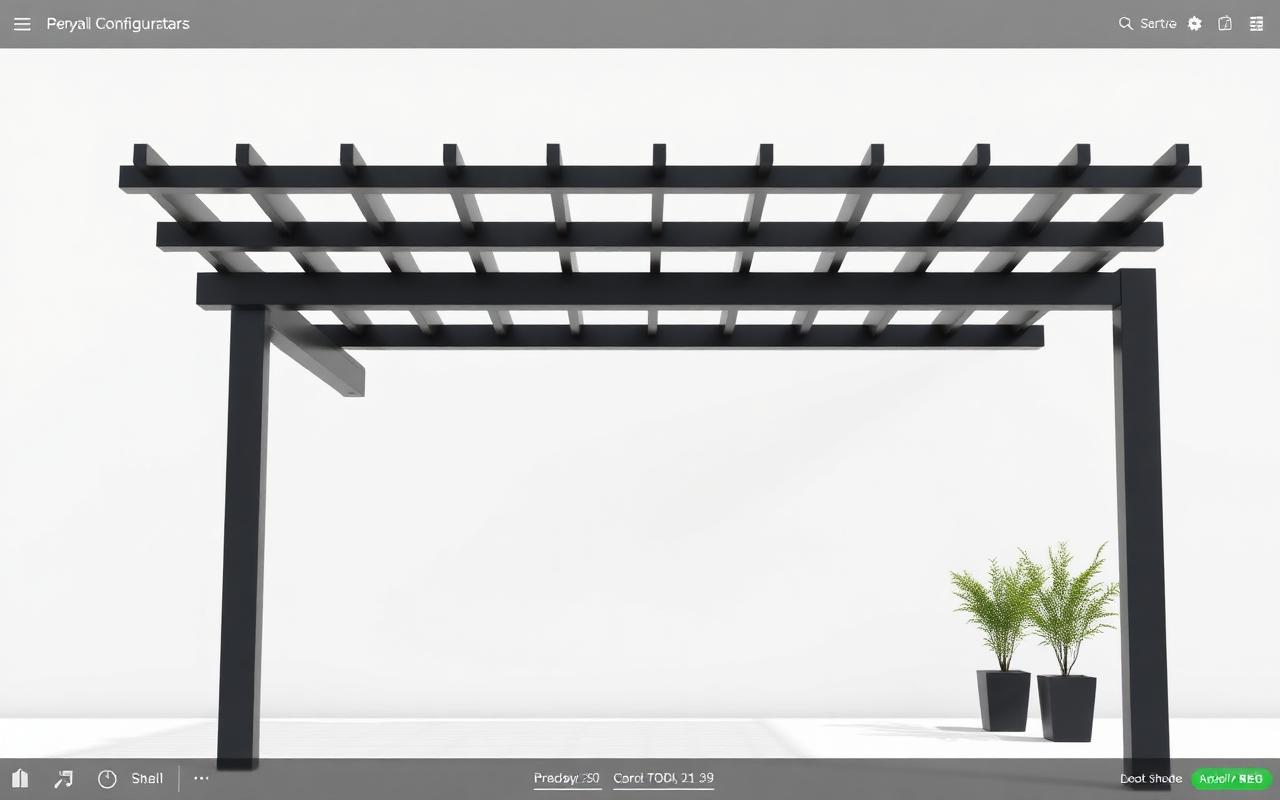
- Lead with the image: put the rendering or AR snapshot on the first page above the fold.
- Keep language plain and scannable: homeowners skim — use headings, bullets and bold totals.
- Show savings from upgrades: when you bundle heater, LED lighting or motorized shades, show the bundle price versus individual prices.
- Make the acceptance path obvious: “Sign & schedule” should be a single click from the PDF.
- Include a clear validity date: this avoids renegotiation when material costs change.
Trusted templates and legal language are essential — many state building boards and contractor licensing bodies recommend including license numbers and certain disclosure text in quotes and contracts. Use templated clauses that your legal counsel signs off on and automatically append them to each quote. (cslb.ca.gov)
Practical examples: 3 common quote pages and what to automate
- One‑page summary for homeowners (fast accept)
- Visual, total price, 3 bullets on scope, 2 next steps, e-sign.
- Detailed line-item quote for informed buyers
- Full itemization, timeline, attachments (shop drawing), permit notes.
- Contractor & production pack (after signature)
- Exploded BOM, fabrication drawings, install checklist, crew assignments.
Automate transitions between these documents: signed homeowner quote => auto-generate production pack and calendar task in the crew schedule. Doing this in one system cuts double entry and install-day surprises. Configurix manages that end-to-end flow — from lead widget to signed contract to scheduled install. (configurix.com)
Permit notes: why you should include a local checklist in the quote
Permit requirements for pergolas and awnings vary widely by jurisdiction — size, attachment to the house, and local code amendments change whether a permit is required. Including a short, localized permit checklist in the quote shows professionalism and prevents delays: note likely permit needs, who will file them (you or customer), and expected fees. Always tell the customer to verify with their local building department if they want exact code language. (permitdeck.com)
Delivery speed & follow-up automation: the difference-maker
Fast, followed-up quotes close. Research and field experience show that prompt delivery plus a structured follow-up cadence (text + email reminder + one phone check) moves more estimates into signed contracts. Automate the first 3 touches: immediate quote email, day-1 confirmation text, and day-3 follow-up with a link to ask questions or book the site visit. Configurix sends branded PDFs, SMS and email reminders from the same lead record so your sales reps aren’t juggling tools. (conversionsurgery.io)
Implementation checklist: getting from zero to signed PDFs in a week
- Decide the quote template(s) you need (one-page, detailed, production pack).
- Build product rules and pricing tables (regional adjustments, taxes, permit fees).
- Integrate a real-time 3D configurator to produce renders and AR previews. (/products/pergola-configurator and /products/awning-configurator are ready-to-deploy modules for outdoor shade products.)
- Connect e-signature fields and set a one-click acceptance flow.
- Design branded PDF templates and test on mobile devices.
- Configure automated follow-ups and scheduling handoffs to install crews.
- Train sales staff to deliver the quote and walk through visuals in the call.
Configurix provides white‑label configurators, automatic pricing, branded PDF quotes, AR previews on the customer’s real home, and built-in e-sign + scheduling so you can set up this workflow quickly and without stitching multiple vendors together. See how our platform supports pergolas, verandas and awnings and the full lead-to-install workflow at / and /products/pergola-configurator. (configurix.com)
Metrics to track (so you can improve continuously)
- Quote-to-sign conversion rate (per template)
- Time from lead to quote sent
- Time from quote to signed contract
- Average order value (AOV) before vs after visuals
- Percent of quotes that proceed to permit filing
- Number of post-install change orders (should fall)
Track these in your CRM and tie each signed job back to the original quote template, visuals used, and follow-up cadence. That lets you A/B test image placement, wording and CTA placement to find what closes more deals.
Final checklist before you send the quote
- Does the first page make the customer picture the finished product? (render + AR)
- Is every price line explained and itemized?
- Are permit responsibilities clear?
- Is there a clear validity date and acceptance button?
- Is the PDF branded and legal clauses appended automatically?
If you can answer yes to all five, your quote is ready to win.
Next steps — where Configurix helps
If you want to stop losing leads to slow, unclear quotes, Configurix bundles the full workflow: real-time 3D configuration, AR previews on the customer’s home, automatic pricing, branded PDF generation, digital contract signing and one-click scheduling — all white-label and ready for installers, dealers and manufacturers. Learn how to create fast, conversion-focused quotes with our pergola and awning configurators at /products/pergola-configurator and /products/awning-configurator, or explore the platform at /. (configurix.com)
Sources
- Threekit — ROI of 3D & AR (2021)
- EyeDex — Product configurator ROI analysis (2026)
- ConversionSurgery — Renovation estimate follow‑up research (2025)
- International Residential Code (IRC) — model code reference (2018)
- NJ.gov — Guidance on Obtaining a Quote (2024)
Ready to try Configurix?
See how the configurator, quoting and CRM work together for your business.
Book a demo →Related articles
Materialen & levertijden automatiseren met 3D/AR‑configurators
Hoe fabrikanten en dealers materialen, voorraad en levertijden rechtstreeks uit een real‑time 3D/AR‑configurator laten aansturen — van automatische BOM tot nauwkeurige levertijd en geplande installatie.
Checklist: AR‑foto's, privacy en e‑handtekeningen voor pergola's
Praktische juridische en privacy-checklist voor monteurs en verkopers: AR‑foto's, klantfoto's, digitale handtekeningen en databeheer voor pergola‑projecten. Concrete actiepunten en implementatiestappen.
3D/AR-configurator landingspagina's die pergola‑leads maximaliseren
Praktische handleiding voor pergola‑ en zonweringsinstallateurs: optimaliseer je landingspagina met een embedded 3D/AR‑configurator, verminder frictie, verhoog leadkwaliteit en versnel offertes tot installatie.