Configurix

3D fence and gate configurator for manufacturers

Configure the complete boundary—not one isolated panel.

Configurix connects fence runs, segments, corners, panels, posts, pedestrian and vehicle gates, automation and finishes in one guided 3D project—with quantities, pricing, quotes and reusable order data connected to the selected layout.

Straight, cornered, stepped and sloped boundary layouts
Panels, infills, posts, foundations, gates and automation rules
Customer website, dealer portal, showroom and internal sales workflows
Calculated quantities, account pricing, quotes and optional BOM handoff
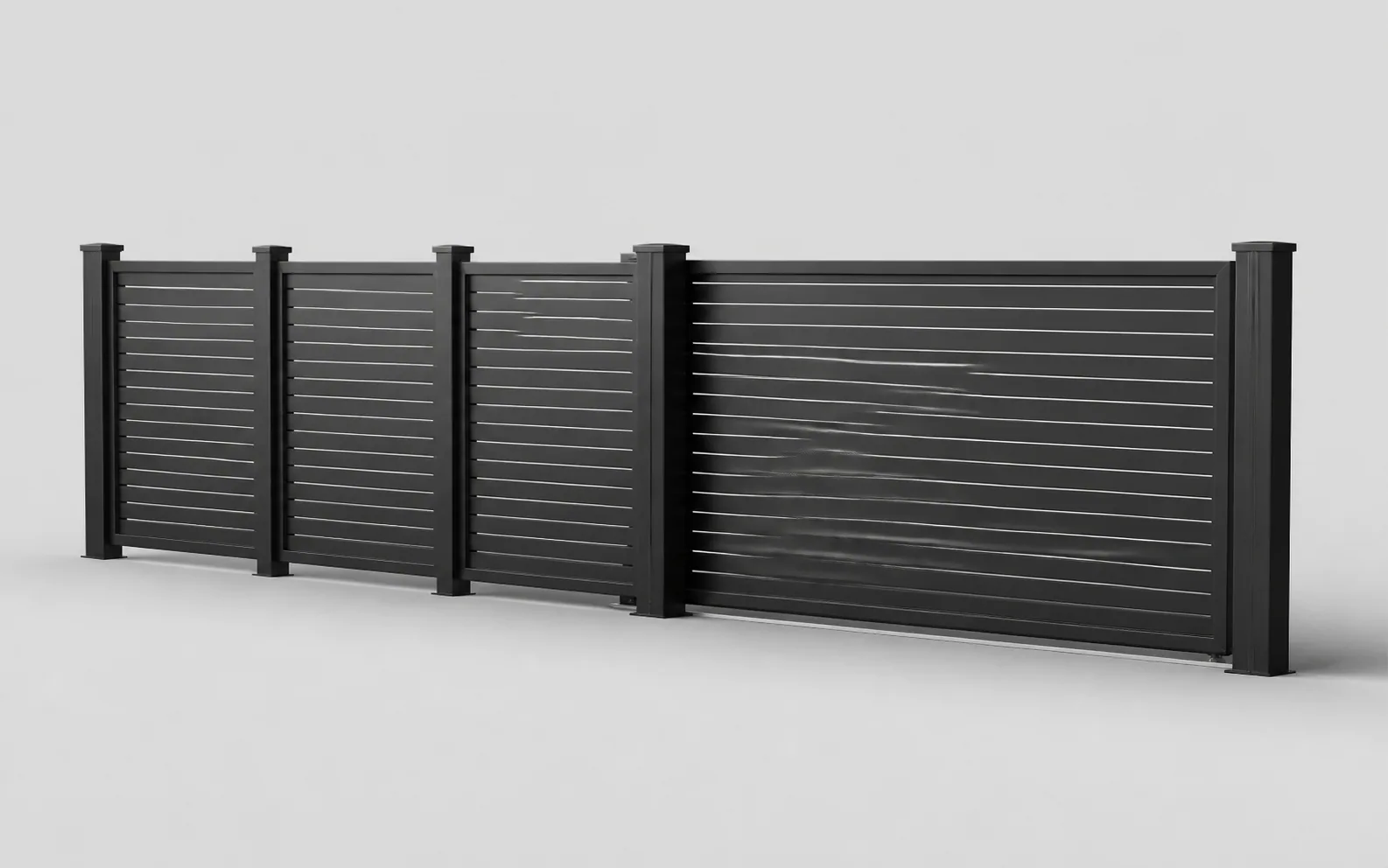
Isolated illustrative coordinated fence and gate product render

Connected boundary workflow

The layout, quantities, price, quote and project record stay connected.

Fence configuration software defined

A boundary project is geometry, access and product logic.

Fence and gate projects begin with the site. Total run, individual segments, corners, level changes, openings and access requirements determine which panels, posts, foundations, gates and accessories are needed.

A manufacturer-focused configurator represents that relationship as a structured project. When a user changes a segment length, height, corner or gate, the visual layout and the component logic can respond together rather than leaving quantities to a separate manual take-off.

Configurix can use the same governed catalogue across a manufacturer website, dealer network, retail counter, showroom and installer workflow. Product availability, price lists, permissions and language can change by account or market without creating unrelated versions of the product model.

Final site dimensions, foundations, structural conditions and gate-automation safety remain part of the responsible survey and validation process. The software should make that status visible and pass approved project data forward without pretending an unchecked customer layout is ready to install.

Model the boundary decisions that drive quantities, price and access.

The product model is built from the manufacturer's systems, module rules, gate families, commercial data and required handoff—not from a generic fence illustration.

Boundary geometry

Define the site layout before calculating products or presenting a price.

  • Runs, segments, corners, returns, openings and level changes
  • Standard modules, cut sections, stepping and raking rules
  • Project measurements, notes, images and survey status

Panels, infills and posts

Keep the visible fence system connected to the components behind it.

  • Aluminium, steel, composite, timber, glass and mixed systems
  • Panel widths, heights, profiles, infills, spacing and finishes
  • Line, corner, end and gate posts with compatible fittings

Gates and automation

Configure access products as part of the same boundary project.

  • Pedestrian, swing, sliding and cantilever gate families
  • Handing, opening direction, hardware, locks and access control
  • Motors, controls, photocells, safety edges and accessories

Quantities and pricing

Let geometry and product choices drive a controlled commercial calculation.

  • Panels, posts, fittings, gates and accessories by configured rules
  • Per-module, linear, component, finish and installation pricing
  • Dealer price lists, currencies, tax and controlled discounts

Quotes and sales channels

Present one catalogue through customer, trade and internal journeys.

  • Website, retail, showroom, dealer and assisted-sales interfaces
  • White-label identity, languages and market-specific catalogues
  • Saved projects, branded quotes, revisions and approvals

Order and system data

Preserve the approved boundary when it moves beyond the sales screen.

  • Segment, component, gate, quantity, image and quote data
  • Optional bill of materials or order-review handoff
  • CRM, ERP, PIM, ecommerce, API and webhook connections

One connected process

From site layout to a reviewed fence and gate project.

The customer, dealer, estimator and operations team can continue from the same structured boundary while each role sees the appropriate level of detail.

Define the site

Draw the boundary

Capture segments, lengths, corners, changes in level and the positions that require pedestrian or vehicle access.

Configure the system

Apply valid products

Choose panels, infills, posts, foundations, gates, automation and finishes within the catalogue rules.

Build the offer

Calculate and quote

Use the configured layout to calculate quantities, apply the correct price list and create the visual proposal.

Validate and continue

Survey, approve and hand off

Record final measurements and approval before passing accepted quantities and project data into the next system.

A panel selector shows a style. A connected configurator explains the whole boundary.

Manufacturers should test whether the software responds correctly when geometry, access and product quantities change—not only when a colour changes.

RequirementConfigurix fence and gate implementationPanel or finish selector
Complete boundary layoutSegments, corners, openings and level conditions can define one structured project.Usually presents one panel or a short standard section.
Panel and post quantitiesConfigured geometry can drive modules, cut sections and the required post types.Quantities are normally calculated later in a separate take-off.
Gate compatibilityGate families, dimensions, posts, hardware and automation can be governed together.A gate may be shown as another image without complete product dependencies.
Price revisionChanging a run, gate or finish can update the same saved project's calculation.The visual selection often needs to be re-entered in estimating software.
Order or BOM handoffAccepted segment and component data can be mapped to downstream systems.Usually exports an image or enquiry rather than complete boundary data.

Fence and gate configurator FAQ

Questions manufacturers should test before choosing software.

Boundary geometry, product quantities, gates, automation, account pricing, quotes, integrations and site validation.

Bekijk het werkende systeem

Boek een demo. Bekijk Configurix live.

Een gratis en vrijblijvende rondleiding, afgestemd op hoe uw team configureert, offertes maakt en levert.

Demo boeken
Illustratieve Configurix-productgids met merkshirt

Uw catalogus. Uw regels. Eén doorlopende workflow.